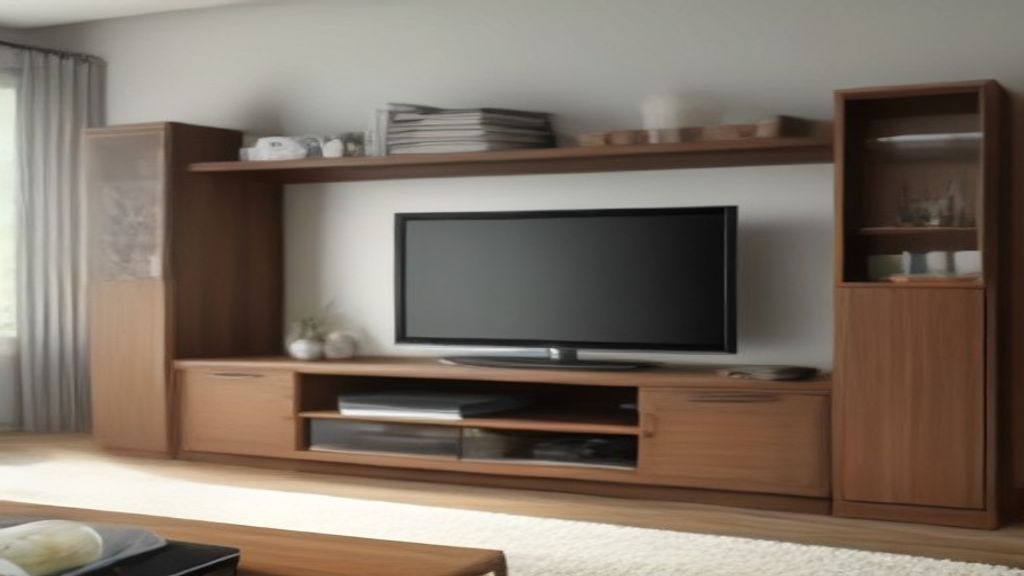
I bought a cheap media console that looked perfect online. It was 68 inches wide and had two open shelves. When it arrived, I realized the actual problem wasn't the width—it was the depth. My soundbar sat on top, fine, but the cable box and game console? They stuck out like sore thumbs. The doors didn't close, the AV receiver had no breathing room, and I spent two weeks rearranging cords that still looked like spaghetti. The fix wasn't a bigger cabinet. It was measuring the gear before I even thought about furniture.
The Real Numbers That Matter
Before you look at any cabinet, gather your gear and measure each piece: width, depth, height. Don't forget to add an inch or two for airflow behind. I've seen people buy those tall storage towers with closed backs only to have their receiver overheat. You want at least 3 inches between the back of the gear and the cabinet wall, and if you're closing doors, add another inch on top. Depth is the one people miss—most TV stand shelves are 16 to 18 inches deep, but some cable boxes need 12 inches with cables attached. My old cable box had a cable that added two inches, so the shelf needed to be 14. That's a big deal.
Open vs. Closed: What You Gain and Lose
Open shelving means you can play with IR blasters. Closed cabinets look cleaner but you'll need to cut holes for wires or use a cabinet with built-in grommets. My advice: get a unit that has at least one open shelf if you have a remote-dependent device like a cable box or streaming stick. I've seen people return "combination" units because they couldn't get the remote to work through wood doors.
Layout: The One-Month Survivor Test
Think about your daily routine. If you turn the TV on every evening, the last thing you want is to fiddle with a door that's slightly blocked by a plant. We set up my parents' unit with the TV on the wall above, and the console underneath holding just the cable box and a small soundbar. That worked because the console was nothing special—just a low storage bench. But when I helped a friend with a bigger TV and multiple devices, we put the TV on the console itself and used the shelf above for DVDs. Here's the thing: a combination unit is just a cabinet. The best one is the one that fits your actual gear and your habits.
Wire Management: The Hidden Cost
Combination units come with cable cutouts, but they're rarely in the right place. You'll end up buying cord covers or zip ties anyway. I spent $20 on a kit and still had to drill holes. If you aren't handy, factor that into the price. Also, consider a power strip with a long cord because many units have the back panel flush against the wall, and you'll need to route cords around the sides. That's fine, but plan for it.
The Money Talk: $180 vs. $800
At $180, you'll find particleboard units that look good but wobble if you have a heavy receiver on top. My sister got one and the back panel is basically paper. At $500, you get solid wood-ish fronts and better shelves. At $800, you're paying for design and maybe a built-in mounting plate for the TV. What's the actual difference? The lower-end ones have a weight limit around 150 pounds, but the shelf hardware goes first. My first unit's shelf sagged after six months because I overloaded it. It wasn't the unit's fault—it was my fault for not reading the specs. So, what you gain at the higher price is stability and better material. What you lose is money. That's it. Buy based on what you need to store, not what the showroom looks like.
Related: If you're also dealing with storage elsewhere, check out our Japanese Organization: 7 Storage Rules That Work in Small Apartments and Media Storage Unit First Week: What You'll Actually Do After It.
Last Bit
Whatever you pick, leave one shelf empty. Because you'll buy something new—a streaming box, a new game console—and you'll need somewhere to put it. That's the one thing I never regret.