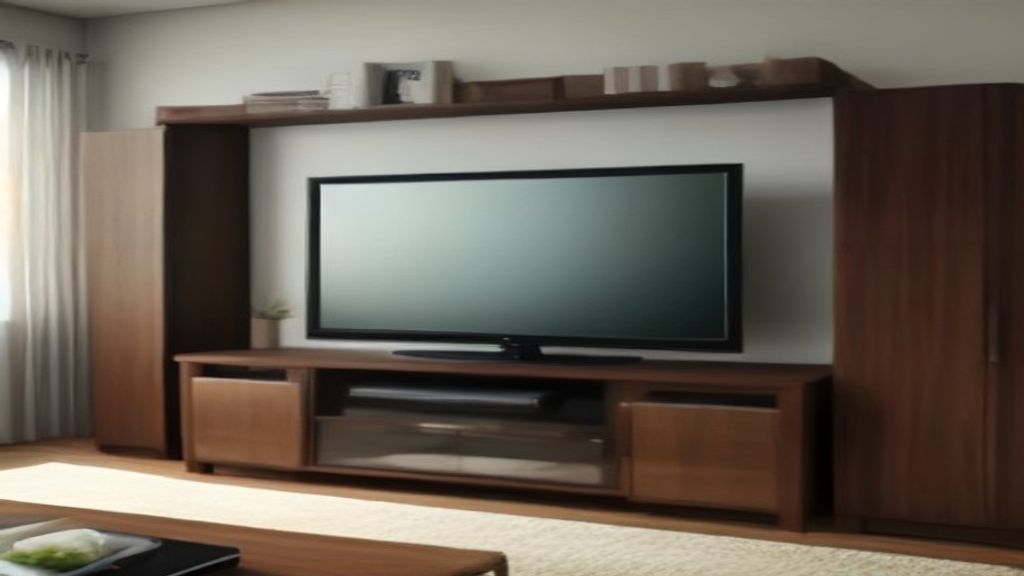
First try was a disaster. I saw a cute cube unit, didn't check the depth, and my receiver stuck out six inches. Looked awful. Returned it, ate the delivery fee. Second one? Wrong cube size for my bins. Yeah, I'm the dummy who bought three.
Here's what I wish someone told me before I started:
Cube Openings Are Not All the Same
Cube stands usually come in 11, 12, or 13-inch openings. Sounds close, but the difference is huge when you own storage bins. Most fabric bins are designed for 11 or 12-inch cubes. If you get 13, your bins look lost. If you get 11, some bins won't fit.
Measure your existing bins first. Or decide what you'll store. I keep board games and cables, so 12-inch worked. My buddy keeps vinyl records – needs 13. Don't assume.
Depth Determines What Sits on Top
This is the mistake I keep making. Depth of the whole unit – not just the cubes. Common depths: 11.5, 15, or 18 inches.
If you have a thick receiver or a soundbar that's not wall-mounted, you'll want at least 15 inches. My first stand was 11.5 – the receiver hung off the back. Looked terrible.
Also, depth affects how the TV feels. A 55-inch TV on an 11.5-inch stand looks like it's floating. My current stand is 15 inches deep, and it feels balanced.
Build Quality: The Back Panel Is the Weak Spot
Every cheap cube stand uses a thin fiberboard back panel. It's what keeps the thing square.
Check how it's attached. Screws into pre-drilled holes are good. Staples are bad. I had a stand where the back panel peeled off after six months. Everything wobbled.
Also, look at the weight rating. Some stands say 50 lbs per shelf. My center shelf holds a 65-inch TV – rated for 110 lbs. Don't trust the stock photo. Read the specs.
What It Really Looks Like in a Room
Cube stands can read as dorm furniture if you're not careful. A solid wood top helps. Metal legs help too. The all-particleboard-with-wood-grain-print look gets dated fast.
I went with a dark walnut finish on my third one. It's actually laminate, but the texture is okay. My White TV Stands for Sale: What You'll Actually Notice After a Month article covers some of the same issues – surfaces scratch, whites yellow.
If you have pets, you'll see every scratch on a glossy surface. Matte is easier.
The One Thing I'd Do Differently
Measure the entertainment center space before buying. I know, sounds obvious. But I measured only the width. Didn't think about depth or height.
The height matters. I have a soundbar that needs to sit in front of the TV. If the stand is too low, the soundbar blocks the screen. If too high, the TV is at neck strain level.
My current stand is 20 inches high. TV's eye level when I'm on the couch. Perfect.
Also – think about cable management. Some stands have holes in the back. Worth paying extra for. My first one had no holes, and I had cables snaking around the side. Ugly.
Before you buy, measure your TV's width. A 55-inch TV is usually around 48 inches wide. Stand should be at least that wide. I've seen people put a 65-inch on a 40-inch stand. Don't be that person.
If you're still unsure about sizing, check my guide on Tv Storage Combination — Measure This Before You Click Buy. Same principle applies.
Next step: grab a tape measure, write down your TV's width, depth of the space, and the height you need. Then start shopping. You'll thank me later.
More guides: More guides in TV Stands