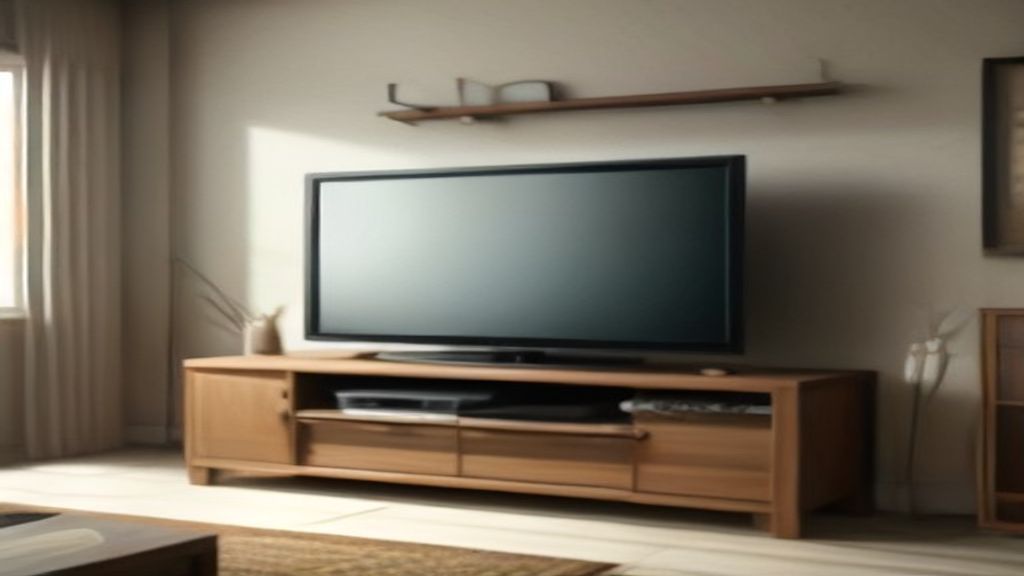
The wall looked fine. The TV was already mounted.
Then I ordered a console to go under it. Big mistake. The consoled showed up and the TV's bottom edge sat 4 inches above the top. Looked like the TV was floating over a toy box. So I measured. Then I returned the thing and waited two weeks for a refund. Don't be me.
Under TV Console: The numbers that actually matter
Maybe you're stuck because the TV's already on the wall, or you're about to mount it. Either way, start here.
- Measure from the floor to the TV's bottom edge. Not the center. Not the VESA holes. The bottom edge.
- The console top should sit at least 2-3 inches below that. If the difference is less, you'll get that awkward collision.
- Console depth matters more than width. My TV is 65 inches and the wall mount adds 3 inches. The console sticks out 15 inches. The TV overhangs by 2 inches. That looks weird and every time I walk past I think it's going to topple.
That's the thing nobody tells you: width is the easy part. Depth is where you screw up.
Cable routes: the part I ignored and regretted
I watched the delivery guy carry the console in. Heavy. Solid. Then I plugged in the cable box and the soundbar and the game console. The console has a solid back. No holes. So the cables came out the sides like spaghetti. You can't see them from the front, but from the side? Total mess.
If you're choosing between Media Console With Drawers: The Real Reason I'm Not Buying Another One Without These 3 Checks and an open-back unit, go open-back. Unless you love zip ties and fishing cables through tiny gaps at 10 pm. I did that once. Never again.
Check the back panel. Does it have knockouts or grommets? If not, you'll be cutting holes or running cables around the sides. Not the end of the world, but annoying.
Weight limits: my PlayStation was the test
I didn't check the weight capacity. The console looked sturdy. Specs said 100 lbs. My TV is on the wall, but the console holds the soundbar, the cable box, the router, a couple of speakers, and the game console. That's maybe 60 lbs total. Fine. But I liked the look of a cheap MDF one that said 60 lbs. Would've been touch and go.
Look at the load rating. If you plan a big AV receiver, that alone can be 20 lbs. You're not a pro installer, but you can still do simple math.
Delivery: the part where furniture meets reality
I measured the hallway before ordering. The console was 55 inches wide, 16 deep, 28 tall. Box was bigger. But the delivery guy carried it up the stairs. No issues. But my friend bought a walnut console from a direct-to-consumer brand. The box didn't fit through the door. He had to reject the shipment and reorder a different piece. That's a day wasted.
Ask the seller for the packaged dimensions. Or check if the legs are removable. Some consoles have detachable legs that make the bottom clearance a non-issue for sliding under a low TV.
You'll also want to match the room, not just the TV
Color and material matter. I wanted a light oak to match the floor. The console I got was bleached oak. Looked yellow against the wood floor. Returned it, got a darker walnut. Espresso Console Table Mistakes I Made So You Don't Measure Twice taught me that the undertone matters as much as the name.
If your room is tight, read If Your Room Is Tight, Read This on Tv Stand Console Table before you click buy. That piece goes into clearance and cable paths better than I can in 30 seconds.
Next step: measure, then order, then check the back panel
Tomorrow, before you open any tabs, do this:
1. Measure floor-to-TV-bottom and subtract 3 inches. That's your max console height.
2. Measure the distance from the wall to the front of the TV. Add 2 inches. That's your max depth.
3. Check the back panel for cable access. If not, plan to drill holes.
That's it. My current console sits under that TV with no gaps. No regrets except the first one I returned.
Go measure. Then order.