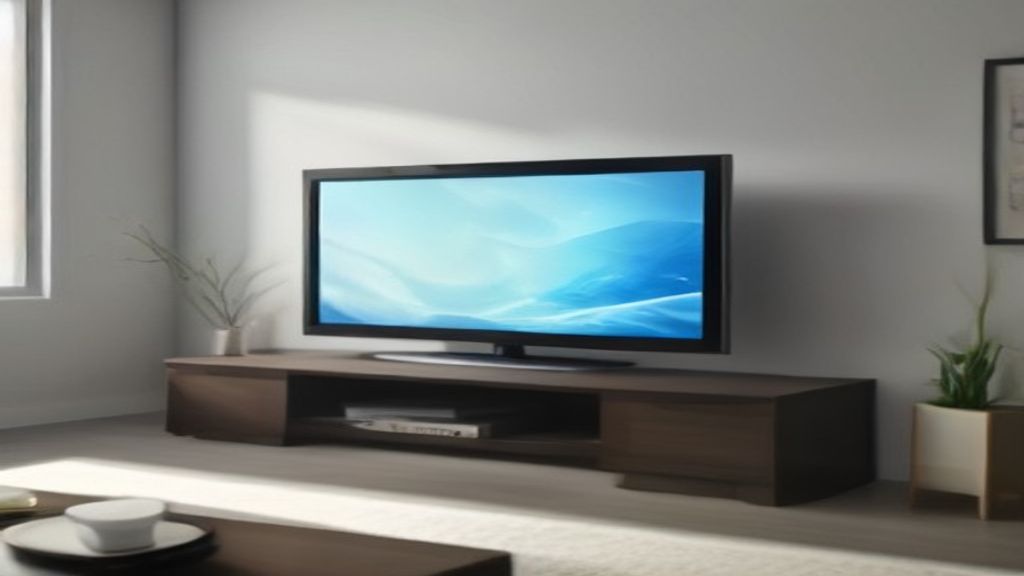
The box weighed more than I expected — forty-two pounds of cardboard and Styrofoam. I dragged it into the living room, sliced the tape, and pulled out the legs. They’re not what you think. Not spindly metal sticks. They’re chunky, two-inch thick slabs that look like a picture frame on the floor. But they stick out. I measured the gap wrong the first time.
The Frame is designed to sit flush against the wall, but its stand lets it float about two inches off. That two inches matters. My baseboard is three inches tall. The TV sat proud of the molding, looking like it wasn’t sure what to do. If you have furniture right behind the TV, or a vent in the wall, check that gap first.
The Width That Kills Whole Layouts
The stand itself is about as wide as the TV glass. On the 55-inch model, that’s roughly 48.5 inches of leg span. On the 65-inch, it’s 57 inches. Sounds obvious until you try to place it on a media console that’s too narrow. My console was 54 inches wide, so the 65-inch wouldn’t fit. I swapped to the 55-inch. Still tight — the legs overhung the edges by an inch on each side. Looks like a cat about to fall off a shelf.
Measure the actual footprint of the stand, not the screen size. Samsung lists the stand width in the specs, but nobody reads that. I didn’t. I had to slide the console out and measure the legs myself.
Depth: The Part Everyone Misses
It’s not just width. The stand’s depth is almost 11 inches from front to back. That’s with the TV tilted back a few degrees. If you put it on a shallow shelf or a fireplace mantel, it won’t sit flush. The back of the legs will hang off the edge. I tried it on a 10-inch-deep shelf — the back leg tips over the back edge. You need at least 12 inches of depth to be safe.
The tilt is adjustable, but it changes the footprint. Tilting it back more pushes the front of the legs further out. I keep mine nearly flat because I’m watching from a sofa, not sitting on the floor. That gave me an extra inch of depth clearance.
Weight? Actually Manageable
The 55-inch Frame with the stand weighs about 34 pounds. You can lift it yourself if you’re careful, but the glass is fragile. Two people are better. I carried it up two flights of stairs by myself — doable, but I cussed a lot. The stand itself is a few pounds more than the wall mount, so if you’re moving the TV often, reconsider.
Who Should Skip the Stand?
If you’re mounting on a brick wall or a floating console, skip the stand. It looks like a lounge chair for the TV, not a floating picture. The stand is for renters, people who want flexibility, or anyone who doesn’t trust drywall anchors. But if you have baseboards taller than three inches, or a console narrower than the stand, you’ll be smashing your knuckles on the wall trying to adjust it. I still have a bruise.
For what it is, it’s fine. It holds the TV steady, doesn’t wobble, and the gap is okay once you know. But measure first. The number that matters is the leg span, not the screen diagonal. I learned that the hard way.
Need more TV stand wisdom? Check the TV Stands hub. If you’re dealing with narrow gaps, Finding a Tall Narrow TV Stand That Fits a 13-Inch Gap might save you a headache. And if you’re sizing up, 78 Inch TV Stand: The Width Recheck Most People Skip is a good next read.