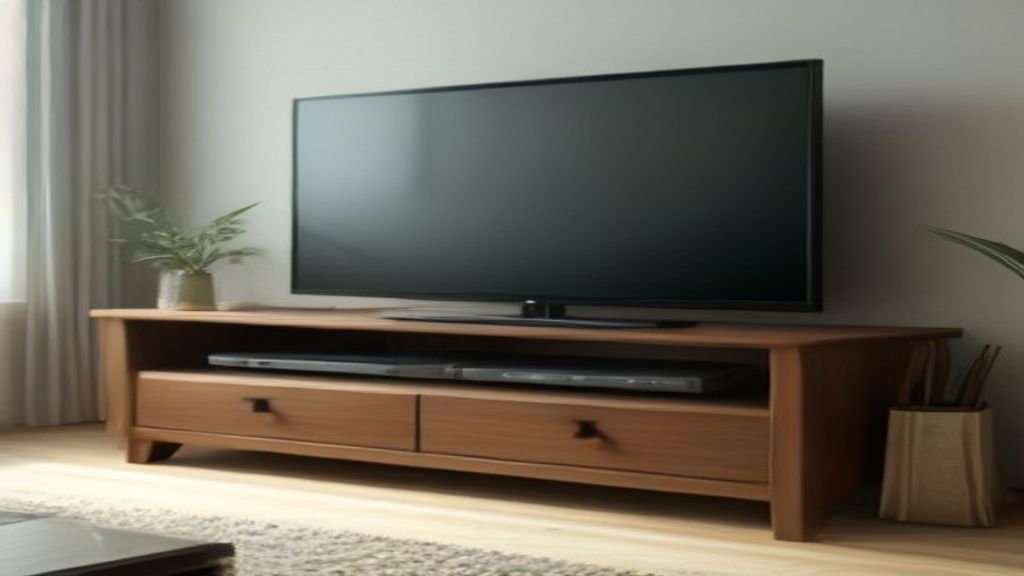
I nearly bought a TV stand that was too narrow for my Hisense. The listing said “fits all TVs up to 65 inches,” and I almost believed it. My Hisense is 65 inches, but the stand I picked out was 55 inches wide. It would have wobbled like a seesaw on the center pedestal. I caught it when I measured the width of the TV's legs—er, stand base—and the VESA hole pattern.
So here's the thing: for a Hisense TV stand, the one measurement that matters most isn't the screen size. It's the VESA spread and the base width. My 65-inch Hisense has a VESA pattern of 400x400 (I checked the manual, didn't trust the listing). That means the stand's bracket holes have to be at least 400mm apart horizontally. I got a stand rated for up to 600x400, so I had room to spare. But if you have a 75 or 85 inch Hisense, the VESA might be 600x400—and a lot of cheap stands top out at 400x400. You'll be left with a stand that physically can't hold your TV without drilling or adapter plates that void warranties.
In the first week of setting up my own stand—a wooden one from Wayfair, not a name brand—I learned three things that I didn't see in any product photo.
First, width matters more than screen size. I measured the actual TV base, not the TV's diagonal. My 65-inch Hisense sits on a pedestal that's about 24 inches wide. But I wanted a stand that was wider than the TV's full width (57 inches, including bezel) for stability. I went with a 60-inch stand. It looks balanced, not like a tiny table holding a giant TV.
Second, depth is the silent killer. Most TV stands list depth as 15-16 inches, but my Hisense's VESA holes are about 15 inches from the back of the TV. If the stand is 15 inches deep, the TV's back panel is flush with the stand's edge—no wiggle room for cables or the power brick. My stand is 17.5 inches deep, and even then the cables are snug. I measured the depth from the wall to the front of the TV's mounting holes, added 2 inches for the power brick, and that's the minimum depth I'd accept. Bigger is better.
Third, the center pedestal on Hisense TVs is a blessing for narrow stands but a curse for wire management. The stand's cable hole is in the middle, but the TV's inputs are on the side (on my model, at least). I had to run an HDMI cable across the back panel, which is fine, but the cable management tray on the stand is useless—it's too shallow. I ended up using velcro straps to tie the cables to the stand's back panel, which is hidden anyway.
One thing I'll say: I chose a stand with a solid wood top, not MDF. The MDF ones I looked at had a weight limit of 100 lbs, and my Hisense is 70 lbs. That's cutting it close. The solid wood one (it's actually acacia, from a brand I can't remember now) is rated for 150 lbs. The weight rating includes the TV's weight, so I subtracted the TV's 70 lbs from the stand's limit. If the leftover is less than 30 lbs for speakers, gaming consoles, or a soundbar, you're over budget.
If you're in the same boat, here's my advice: measure your TV's VESA pattern (look in the manual or online), measure the width of the TV's stand base, and measure the depth from the back of the TV to the front of the VESA holes. Then add 2 inches to every number. That's your minimum spec. Don't trust the “fits up to 65 inch” label—trust your tape measure.
After week one, I'm happy with my setup. But the real test was the first movie night, when the room was dark and the soundbar was on. The stand didn't rattle, the TV didn't sway when I bumped the coffee table, and the cables stayed hidden. That's what you're paying for.
Next step: buy a pack of felt pads for under the stand's feet. Not because of the stand, but because the corners of the base will scratch your floor if you move it even an inch. I learned that the hard way—you don't want to see my floor. More guides in TV Stands and if you're figuring out width, check 75 Inch TV Stand: The Width Check That Decides the Whole Setup.