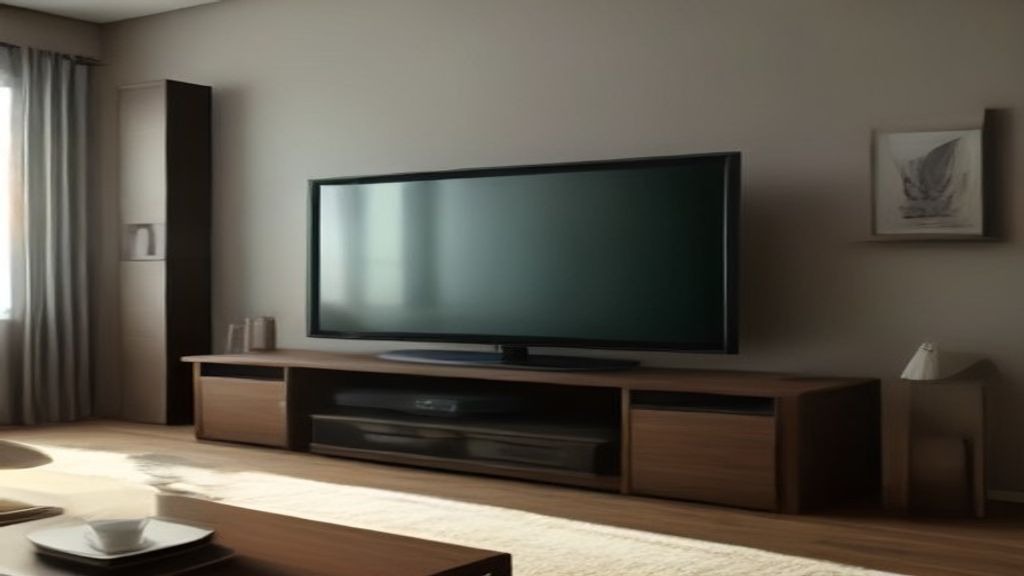
The first number you need isn't 75. It's 66.
That's the actual width of most 75-inch TVs. The screen diagonal is 75 inches, but the frame adds an inch or two on each side. My own 75-inch Sony measures 66.1 inches wide. I forgot that when I bought my first stand, and the TV overhung by 2 inches on each side. It looked wrong, and I worried about stability every time someone walked past.
The width of the TV is the one measurement that decides everything else. A stand that's at least as wide as the TV—or slightly wider—is the difference between a setup that looks intentional and one that looks like a mistake.
The 66-Inch Reality
Most 75-inch TVs from the last few years are between 65 and 67 inches wide. A few are narrower, some are wider. You can't guess. Open the spec sheet for your exact model and look for "set width with stand" or just "width." Samsung's 75-inch QLEDs are around 65.8 inches. LG's OLEDs are similar. Hisense and TCL are sometimes just under 65.
So a 75 inch TV stand needs to be at least that wide. The standard sizes you'll see are 60, 65, 70, and 72 inches. A 60-inch stand is too small for almost every 75-inch TV. A 65-inch stand might work if the TV is on the narrow side, but you'll have zero margin. A 70-inch stand gives you 3 or 4 inches of breathing room. That's what I'd buy.
Depth Is the Second Number
Width isn't the only thing that matters. The depth of the stand has to handle the TV's feet.
Most 75-inch TVs have feet that spread out, not just side to side but also front to back. The depth of the stand—how far it sticks out from the wall—needs to be at least as much as the distance from the front of the TV to the back of the foot. For a typical 75-inch TV, that's around 13 to 15 inches. A stand that's only 12 inches deep might push the TV forward, so the back of the TV hangs off the edge. Not safe.
Measure the depth of your TV's feet before you buy. Look at the stand's product dimensions. If the stand is 15 inches deep and the TV's foot depth is 14, fine. If the stand is 12 inches deep and the TV's foot depth is 15, you'll have a problem.
The First Week: What I'd Do Differently
When I got my 75-inch TV, I spent the first week rearranging the room. I wished I'd measured the wall, the TV, and the stand before buying.
Here's the order I'd do now, if I had to do it again:
1. Measure the width of the TV (spec sheet, not the box).
2. Measure the depth of the TV's feet.
3. Measure the wall space where the stand will go. The stand should be at least 4 inches narrower than the wall, so it doesn't look cramped.
4. Find a stand that's at least as wide as the TV and deep enough for the feet.
5. Check the stand's weight capacity. A 75-inch TV weighs around 60 to 80 lbs. The stand should hold at least double that, because you'll put other stuff on it.
I skipped step 1 and bought a stand that was 65 inches wide. The TV was 66.1. It overhung. I returned that stand and got a 72-inch one. The extra 6 inches made everything look better. The TV sat centered, and I had room for a soundbar without it sticking out.
The One Decision That Matters Most
Out of all the measurements, the width of the stand is the one that decides whether the setup works. Get that right and the rest falls into place.
If you're between sizes, go up. A 72-inch stand with a 66-inch TV looks intentional. A 65-inch stand with a 66-inch TV looks like you measured wrong.
And if you're still measuring, don't just look at the TV. Measure the stand's actual footprint. Make sure it fits the wall and the room. You don't want a stand that's too big for the space, either.
The same logic applies to other TV sizes. For an 85-inch TV, the width is around 74 inches, so you'll need at least a 75-inch stand. 85-Inch TV Stand: The Width, Depth, and Weight Constraints That covers that. Or if you're dealing with a 78-inch model, check the width before you assume. 78 Inch TV Stand: The Width Recheck Most People Skip is a good reminder.
What About the Style?
Once the width is right, you can think about aesthetics. A 75-inch TV is a big piece of tech. You want a stand that doesn't disappear under it but also doesn't fight with it.
If your TV is black, a dark wood or black stand blends in. If you want contrast, go lighter. But don't let style override the measurements. A beautiful stand that's 2 inches too narrow will bother you every day.
Also consider the height. The TV's center should be around eye level when you're seated. Most 75-inch TVs are about 38 to 40 inches tall with the stand. A typical TV stand is 18 to 24 inches high. That puts the TV center at roughly 40 to 45 inches, which works for most rooms. If you're mounting the TV above the stand, you don't need to worry about the stand's height as much, but you do need to make sure the stand is wide enough for the TV above it.
The Honest Downside
Big stands are heavy and hard to move. My 72-inch stand weighed 90 lbs in the box. Delivery left it in the lobby, and I had to get it up two flights of stairs. Two-person job, easy to scratch the floor. Measure your doorways and hallway clearance—the box was 74 inches wide and wouldn't fit through a 30-inch door without tilting. I didn't think about that.
Also, a 72-inch stand dominates a small room. If your living room is under 10 feet wide, a stand that big might make it feel cramped. In that case, consider a corner setup or a slimmer design. For tight spaces, Finding a Tall Narrow TV Stand That Fits a 13-Inch Gap has some real measurements.
Next Step
Measure your TV's width right now. Grab the spec sheet or look up the model number online. Write it down. Then measure the wall space. That's the two numbers you need before you even start looking at stands.
If the width is over 66 inches, you're looking at a 70-inch stand at least. If it's under 65, a 65-inch might work, but you'll have less margin. When in doubt, go wider. You'll thank yourself when you're setting it up. And if you're still deciding between a few stands, compare the actual dimensions side by side. Media Cabinet: What $150, $450, and $900 Actually Change breaks down what you get for the money.
Once the stand is in place, you can sort out the rest. But the width check is the first thing that has to be right.