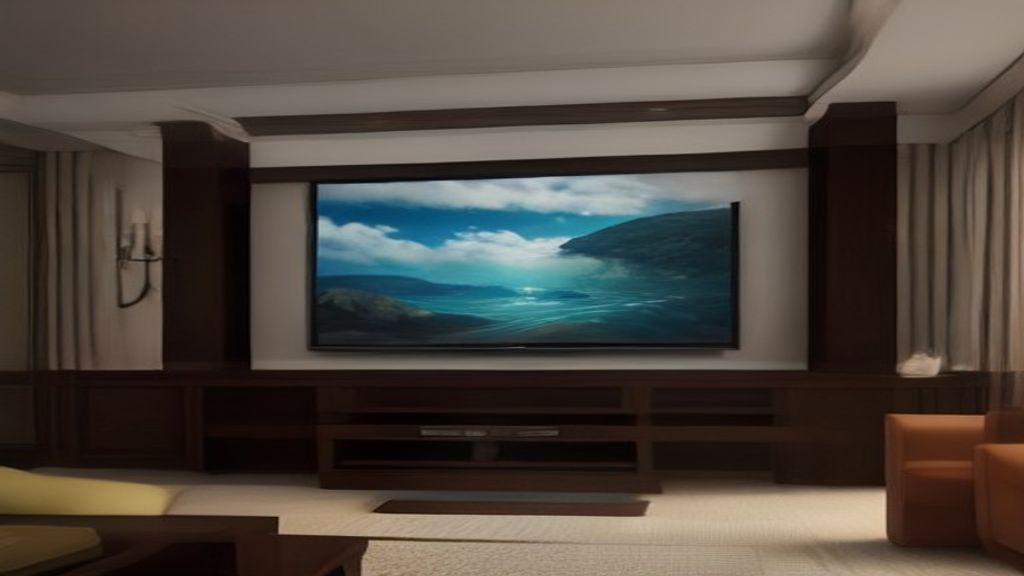
The Waiting Game and the 70-Pound Surprise
We got the box on a Tuesday. 70 pounds of particleboard and cardboard, and the delivery guy left it on the porch because I wasn't home. The box sat there for two days. When I finally wrestled it inside, I realized the mistake I'd made before I even opened it: I hadn't checked the stud spacing above my TV spot.
If you're buying a floating entertainment center for a 75-inch TV, that's the decision that matters more than the color or the cable management. The unit is only as strong as the wall it hangs on.
The 16-Inch Stud Rule
Most interior walls in houses built after the 70s have studs 16 inches on center. But not always. My living room has a weird corner where the fireplace interrupts the wall, and the studs are 24 inches apart. That changed everything.
Here's what I learned: a floating center for a 75-inch TV is heavy. The unit itself was about 50 pounds. The TV adds another 70. Combined, that's 120 pounds hanging on a piece of furniture that's supposed to look weightless. If your wall has 24-inch spacing, you need a center that can span that distance with solid mounting hardware.
The One Decision: Stud-Mount vs. Drywall Anchors
I'll be blunt: if you're putting a 75-inch TV on a floating center, do not rely on drywall anchors alone. I know some installers do it, but they're gambling. At 120 pounds, a toggle bolt might hold for a while, but the torque from the TV's weight can loosen it over time. You'll hear a little creak one day and then find your $600 TV on the floor.
My choice: I bought a center with a steel mounting bracket that attached directly into the studs. That's the one decision I'd make again. The bracket had pre-drilled holes at 16-inch and 24-inch centers, so it worked for both. If you're shopping, look for that. It's not about the brand; it's about the bracket design.
First Week Setup: The Good, the Bad, the Level
Day one was pure frustration. The instructions showed a simple two-person assembly, but my wife was at work, so I did it solo. The top panel is heavy, and you need to attach the brackets to the wall before you can slide the cabinet on. That requires extra hands if you're not using a stud finder and a level.
I spent an hour getting the bracket level. It's not as easy as it sounds—the wall isn't straight, and the bracket flexes. I finally used a laser level and some shims. The shims are key. They're not in the box. You'll need to buy them.
Once the bracket was up, the cabinet slid on and locked with tabs. That took about 20 minutes. Wiring was another hour. The cable management is just a hole in the back, but you can't see it once the TV is on. I ran two HDMI, a power cord, and an antenna cable, and it fit through the hole easily.
The TV mount itself—the unit came with a fixed bracket that attaches to the back of the TV. You have to attach that to the TV first, which means laying the TV on its face on the carpet. That's scary. I used a thick blanket and went slow. The bracket bolts are long, and you need a ratchet wrench. I didn't have one, so I used a socket wrench, and it took forever.
Honest Downsides First Week
The center looks great from a distance. The white oak finish is nice, and the floating look is exactly what we wanted. But up close, you see the edges. They're not veneered on the bottom; it's just raw MDF. If you have kids or pets, dust and scratches show fast.
The depth is another thing. This is a shallow unit—12 inches deep. That's fine for a TV, but you can't put a soundbar in front of it unless the TV is raised. The height of the center is 18 inches, and my 75-inch TV has a stand that would interfere. I ended up wall-mounting the TV separately, which defeats the purpose of having a built-in TV stand. But honestly, for a floating center, that's normal.
Soundbar clearance is a real issue. If you plan on a soundbar, measure the height. Most soundbars are 2-3 inches tall, and you'll need that much room between the top of the center and the bottom of the TV. My TV's VESA mount holes are 600x400, so I could adjust the height, but I still had to buy a low-profile mount to get the TV close enough.
The One Measurement You Need Before Buying
If you're reading this before buying, measure the distance between your studs first. Then measure the width of the unit's mounting bracket. If the bracket doesn't span at least two studs at that spacing, it's not going to work without a plywood backing panel.
Also, measure the TV's VESA pattern. Most 75-inch TVs use 600x400, but not all. If the unit's mount isn't adjustable, you might be stuck. I got lucky, but I know a guy who didn't. He bought a center that only had a 400x400 mount, and his TV wouldn't attach.
What I'd Do Differently Next Time
I'd buy a center with a real wood back panel instead of an open back. The open back lets you see the wires if you don't route them perfectly. I'd also buy a cable kit that includes a larger grommet, because the hole in the back is only 2 inches, and that's tight.
The mounting process is a two-person job, no question. Even just lifting the TV onto the mount needs a buddy. I almost dropped mine—my grip slipped, and I had to catch it with my knee. The TV survived, but my heart didn't.
If you're between two floating centers, check the weight capacity. The one I bought claims 150 pounds, but the brackets are what matters. Look for a steel bracket, not aluminum. Aluminum bends.
The First Week: Mixed Feelings
After seven days, I'm happy with it. The floating look is clean, and the cable management works. The TV is at a perfect height—about eye level when sitting on my couch. The center did what it was supposed to do.
But I'm not going to lie about the installation stress. It took longer than expected, and if you're not comfortable with a stud finder and a level, you should hire someone. The delivery alone was a workout. And the particleboard edges—they're already showing a tiny chip near a screw hole. I'll replace it someday, but not for a few years.
If you're in the market, measure the studs, check the VESA pattern, and make sure you have a second person. And don't skip the shims.
Next step: go measure your wall. Not the TV, not the cabinet. The wall. Write the numbers down, then look at the mounting bracket specs. That's the difference between a floating center that looks great and one that ends up on Instagram with a caption about your latest project gone wrong. Trust me.
For more on the width mistakes people make with TV stands, check out The Entertainment Center Width Blunder That Made My 55-Inch TV Look Like a Toy. And if you're considering a fireplace model, TV Entertainment Center with Fireplace: What $300 vs $1,200 Actually Buys is a real-world price breakdown. For the skinny on thin units, see Thin Entertainment Center: The First Week and the One Measurement That Matters.