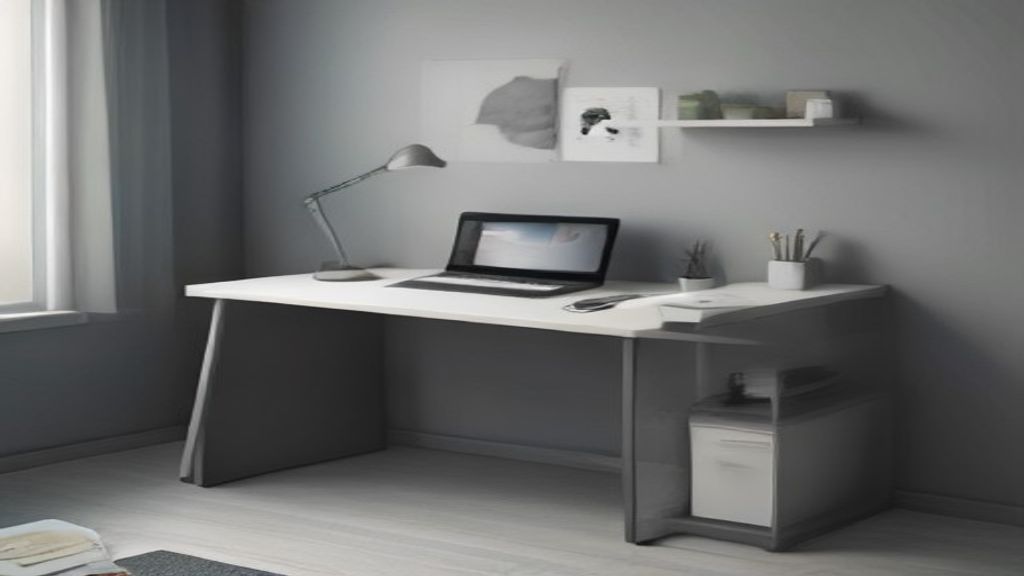
I mounted my floating work desk at 29 inches off the floor. That took me two evenings, a level I borrowed, and one trip to the hardware store because I forgot wall anchors. The first week matters, but the one decision that matters most is the depth you mount it. Not the height. The depth.
Here's the thing about a floating desk—it's a shelf pretending to be furniture. So if you get the depth wrong, everything else is just a bandage. I got mine out by 14 inches from the wall. That was my mistake. The monitor arm had to clamp onto the edge, and the keyboard tray (which I thought I didn't need) became useless.
The 12-inch depth rule
After mounting, returning, and remounting a few different tops, I've settled on a 12-inch minimum depth for a floating work desk. That's not a random number—it's the point where a 24-inch monitor sits comfortably without your nose touching the screen. My first mount was 10 inches. Bad. The monitor was too close, and the desk wobbled every time I typed because I had to lean forward.
Measure from the wall to the front edge. Don't include any trim or baseboard. My wall has quarter-round, so I had to account for that. The actual usable depth was two inches less than I thought.
Week one: mounts, wall type, and leveling
Day one, I hung the cleat and the brackets. If you're mounting into drywall, you need toggle bolts or proper anchors. I used plastic anchors first—they stripped out within a week when I leaned on the desk. (Leaning is inevitable.) Swapped them for toggle bolts, zero issues since.
Leveling drove me nuts. My wall isn't flat. The brackets had adjustment screws on the back, but they only gave me 1/4 inch of play. Ended up shimming the front with small washers. Not elegant, but it's level to within 1/16 inch.
Also, the desk needs to be screwed to at least two wall studs if you're putting anything heavier than a laptop on it. My floor plan had studs at 16 inches, so I got one bracket on a stud and the other on drywall anchors. It's held up through a deadline week and a kid's homework explosion, but I wouldn't want a third monitor on it.
The one decision: how deep you mount it
I keep coming back to depth because everything else flows from it. The cable tray, the monitor arm, the keyboard tray—all depend on that measurement. If you mount it too shallow, your monitor is in your face, and the desk wiggles when you write. Too deep, and you lose floor space, plus your arm reach is too long for the mouse.
Before you drill, lay a piece of plywood at the height you're considering and clamp it to the wall. Sit in your actual chair. Use your actual mouse for five minutes. That's the test. I didn't do that, and I remounted.
Week one checklist for floating work desks
- Count the studs, check your anchors, and buy extras (you'll need them).
- Test the depth before mounting. Do the trial run.
- Get a level; don't trust your eye. The wobbly desk is a leveling problem.
- Leave room behind the desk for cables to run—I had to pull the desk 1/2 inch out to fit a surge protector.
- Less is more on the mount. If the instruction says two screws per bracket, use three.
What about the clutter problem?
Every article says a floating desk makes a small room feel bigger. True. Mine cleared the floor. But it also shows everything—the cables, the dust, the stack of unread mail. So the week-one priority after mounting is cable management. I used a J-channel under the front edge and a surge protector screwed to the underside. That took an hour, and it's worth every minute.
If you're staring at a floating desk that wobbles or feels cramped, check the depth first. Probably too shallow. I've seen it a hundred times—people try to fix with ergonomic shifts, but the desk is just too close. Remount or return it. Learn from my mistake.
Related reads: More guides in Desks, I Bought a Desk That Was 2 Inches Too Deep. Here’s the Fix., I Bought a Small Home Desk Without Measuring the Chair—Here's the Fix, Ram Dev Baba's 3 Breathing Drills for Desk Zombies
Last thing: don't discount the baseboard. My measurement was off by the trim, and I had to redo the whole mount. Honestly, I should've read the existing angle first.