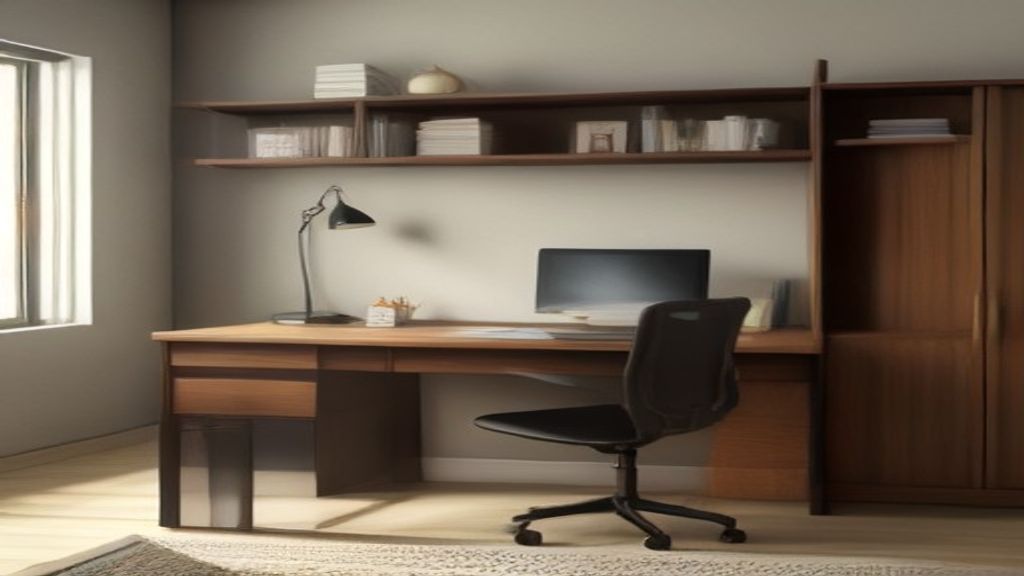
I've returned three study tables in the last two years because I ignored the printer shelf. Not because the shelves were broken, but because I measured the room, not the printer. Sounds dumb, but printers are bulky, and the shelf that looks fine in a catalog photo is often too shallow or too flimsy once you put a real machine on it.
Here's the thing I learned the hard way: the printer shelf isn't just a platform. It's a footprint, a weight limit, and a clearance calculation. Get those wrong and you're back to stuffing the printer on the floor or, worse, cramming it between the wall and the monitor.
The Width Trap: It's Not the Printer Width, It's the Paper Path
Most people measure the printer's base, and that's the first mistake. If the shelf has sides or a back lip, you need to account for the paper tray extension. A standard HP or Brother printer is maybe 18 inches wide, but the tray pulls out 8 or 10 inches beyond that. On a shelf with a back, that's the difference between a closed tray and a tray that jams every time.
Over on the Home Center Study Table: Measure the Wall, Not the Ads article, I talked about measuring the room before you buy. Same logic here: measure the full depth of the printer with the tray open, then add 2 inches. If the shelf is smaller, it'll work for a few weeks, then you'll hate it.
Weight Limits Are Real, Especially on Slide-Out Shelves
A printer is typically 12 to 20 pounds, but if you have a multifunction unit with an automatic document feeder, it's easily 25. The slide-out shelf on many desks is rated for maybe half that, and the slides get sloppy within a month. I killed a cheap desk that way.
Look at the manufacturer's spec sheet. If it says a weight limit, don't assume it's the shelf's capacity. It's often the shelf's static load, and once you start pulling it out, the leverage changes. Look for desks that either screw a shelf into the frame or have a solid shelf with a back. That's the setup that lasts.
The 4-Inch Clearance Rule Below the Shelf
Now the space under the shelf, which nobody thinks about. If you're going to keep a keyboard, a notebook, or a paper tray underneath, you need at least 4 inches of clearance. If the shelf is lower than that, you'll just be shoving things around the corners, and that's where dust and clutter build up.
For a small room, a desk with a shelf that hangs low can actually waste the space where a knee hole would be. Check the desk's height, the shelf position, and your own legroom. Last year I gave up on a desk that looked perfect online because my legs couldn't fit under the shelf when I sat down. I ended up with a Narrow Desk Table: The First Week Setup Mistake I Made (and Fixed) and a separate printer cart.
What I Look For Now
Solid shelf with a back, weight rating above my printer's actual weight, and at least 2 inches of depth to spare with the paper tray open. That's it. I don't care about cable holes or built-in USB ports. Those are nice but they don't fix a shelf that's too shallow.
You're going to measure the desk, the corner, and the staircase. Do the same for the printer, with the front and back edges fully extended. That's how you end up with a desk you keep for five years, instead of a desk you resell on Facebook Marketplace.
Go measure your printer right now, then compare that to the desk's spec sheet. If the numbers don't match, skip that desk. There's always another one.