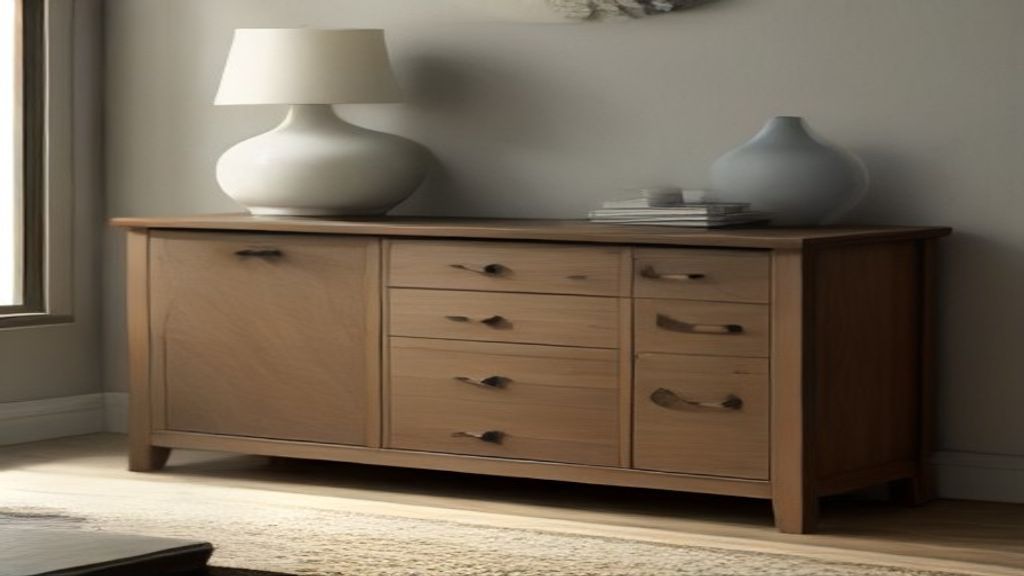
The drawer slides felt smooth in the store. I'm not kidding—I opened and closed them a dozen times. Then I got the console home, loaded the bottom drawer with four game controllers, two cable boxes, and a tangle of HDMI cables. Every time I pulled that drawer open, it scraped the console floor. The drawer sagged. I returned it within a week.
That was the second console. The first one, I didn't even open the drawers. I bought it because the front panel looked clean online. The drawers were mounted on plastic wing things—I don't know the technical name—but the left drawer jammed at the half-open mark. The right one wouldn't close unless I pushed it hard enough to wake the neighbors.
So now I'm methodical about it. If you're shopping for a media console with drawers, run these three checks before you click buy. None of them are about the style. They're about whether the thing will survive daily use.
Check the Drawer Glide: Ball-Bearing or That Cheap Plastic Runway
Flip the console upside down if you can. Look at how the drawer glides. Ball-bearing slides are metal rails with little ball bearings that roll. They're smooth, they support weight, and they cost more. The cheap alternative is a plastic guide—essentially the drawer sits on a thin plastic lip and slides with a lot of friction. You can't always see this from the photos, but the spec sheet sometimes lists them. Look for "ball-bearing" or "full-extension" slides. If it says "double-wall steel runners" that's often still a cheap version.
My mistake: I saw "full extension" and thought it meant premium. It didn't say ball-bearing. The plastic runner scored the wood over time. Drawer sagged only after a year of holding just two game consoles and cables.
Verify Drawer Size by Looking at the Inside, Not the Front
A media console drawer front looks big the way photos lie. The interior might be 7 inches deep and only 10 inches wide. That's too shallow for a soundbar remote, let alone a cable box. I learned this the hard way with a console I bought for a bedroom TV. I planned to stow the streaming stick and the cable box in the drawer. Didn't fit. The box was 2.5 inches wide, 8 deep. The drawer interior was 6 inches deep. Returned it.
Measure your own equipment first. Write down the dimensions of your streaming boxes, routers, game consoles. If you plan to store upright, also check the drawer height. Many cabinets have drawers with a front panel that's taller than the actual inside.
Weight Capacity: Not All Drawers Hold What You Think
The spec sheet gives a total weight capacity for the piece. That's often the whole cabinet, spread across shelves. Individual drawer capacity might be 15 pounds. My first console had a weight rating of 60 pounds total. I loaded the top shelf with an 8-pack of batteries and a wireless router—no way that's 60 pounds unless the TV sat on it. But the drawer unit itself couldn't handle the two cable boxes I shoved in.
Keep it simple: calculate how much you'll actually put in. Game controllers and cables? Heavy. A single cable box is around 4 pounds, a game console 8-10. If the drawer capacity isn't listed, assume it's less than you'd like.
Cable Management That Actually Works
Looks like the biggest pain point after the fact. Drawers for storage, but where do the wires go? If you run everything into a back panel, check if the cable access hole is big enough for the power adapters and cables. Many consoles have a 1.5-inch circle. That's fine for a single cable, not for three Plus power bricks.
You want at least two holes, maybe three, and removable panels if possible. See what everyone over at Table Top TV Stand: Why a Low Console Beats Wall-Mounting (and the does—they end up drilling their own holes anyway. So learn to look for consoles that include cable pass-throughs and enough width.
Why I'm Still a Fan of Drawers, Despite the Hassle
Despite the headaches, I'm not going back to open shelving only. Drawers hide the mess. They keep dust off stuff you rarely use. But now I treat them like any mechanical piece: I inspect the runners, measure the interior, verify the weight, and check cable routes.
If you're also sizing a console and your TV is heavier than average, maybe read about The 90 Inch Media Console That Almost Didn't Fit My Wall first. Then order some ball bearings slides and a cable hole saw.
Next step: write down your equipment dimensions, go to a local store, open every drawer, and shake it. If the drawer wobbles, walk away.